World list
No key needed. Options appear right next to what you look at: a door, the boot, a person, a zone.
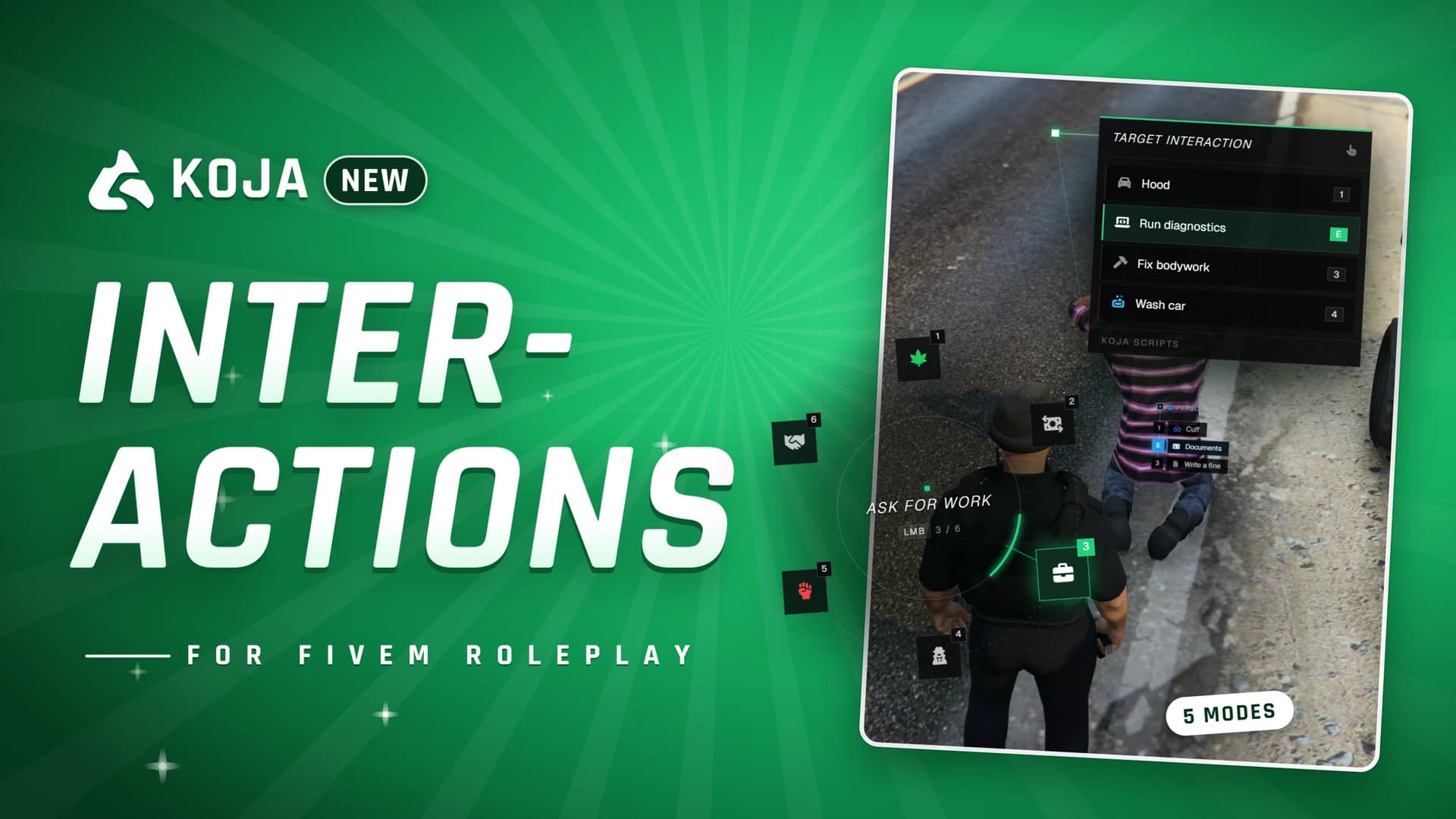
Five interaction modes and a full ox_target replacement
One-off payment, lifetime updates
Support runs through the Discord. Refund policy.
One interaction system for everything your players touch: people, vehicles, objects and zones. Five ways to see and pick options, a per-player settings panel with a live preview, and a drop-in replacement for ox_target: the resource provides ox_target and answers every exports.ox_target call, so your existing scripts keep working without a single change.
Runs on ESX, QBCore and Qbox through koja-lib. No ox_lib, no ox_target and no database needed, with 23 languages built in.
Requires
No key needed. Options appear right next to what you look at: a door, the boot, a person, a zone.
The same list, shown only while the target key is held.
Hold the key, aim the dot, and a panel opens joined to it by soft connector lines. Left mouse gives you the cursor.
Move a white hand onto options while you keep walking, click a row to run it.
Options open on a ring of icons, like a weapon wheel (up to 12).
Number keys 1-9 run options directly, mouse wheel or arrows move the highlight, E / Enter confirms. Both keys are rebindable in GTA settings.
With /interactions players pick their mode, colours, size, side, distances, rows and lines and see the result instantly.
Only what a player changed is stored; everything else follows your server defaults.
Set the default look in the config and lock any setting (mode, accent colour, server name...).
Dial the look in by eye, press one button and paste the ready Config.Settings block.
Global, ped, player, vehicle and object options, models, networked and local entities, box / sphere / poly zones, disableTargeting, isActive, getTargetOptions.
Groups, items, anyItem, bones, offsets, canInteract, distance, icon colours, onSelect, export, event, serverEvent, command.
openMenu / menuName with an automatic Back row. Options and zones are removed when the resource that added them stops.
Doors, hood and trunk on every vehicle, synced through the server with a reach check. Players see where they can interact.
interactions_debug shows what you look at and why an option is hidden.
Nobody has reviewed Interactions yet. If you own it, say what you think.
 −25%2 licences
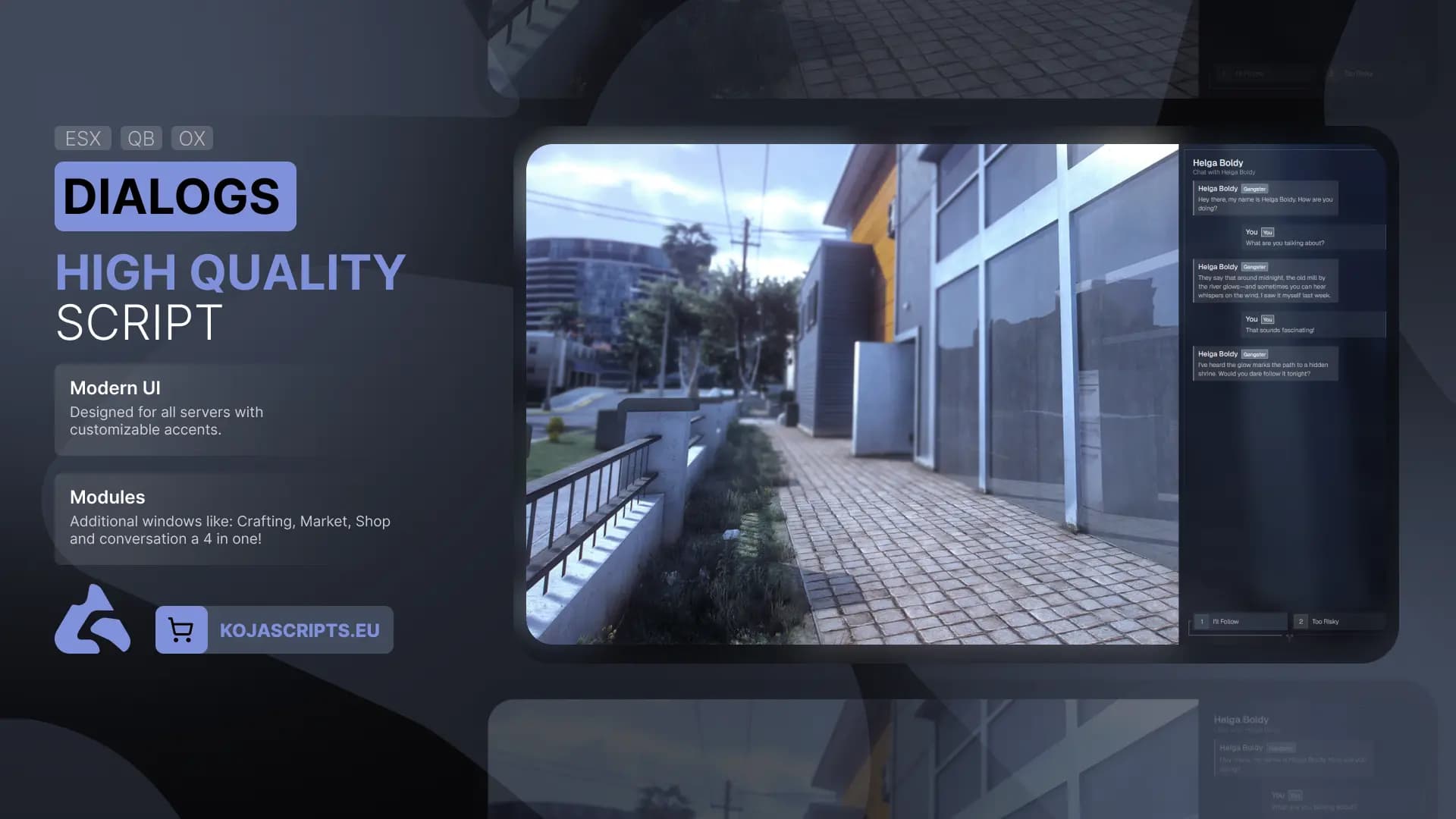
Bring your roleplay servers to the next level with Advanced Dialogs an all-in-one interaction suite featuring seamless crafting, a dynamic marketplace, and fully customizable in-game shops. Built f...
 −25%2 licences
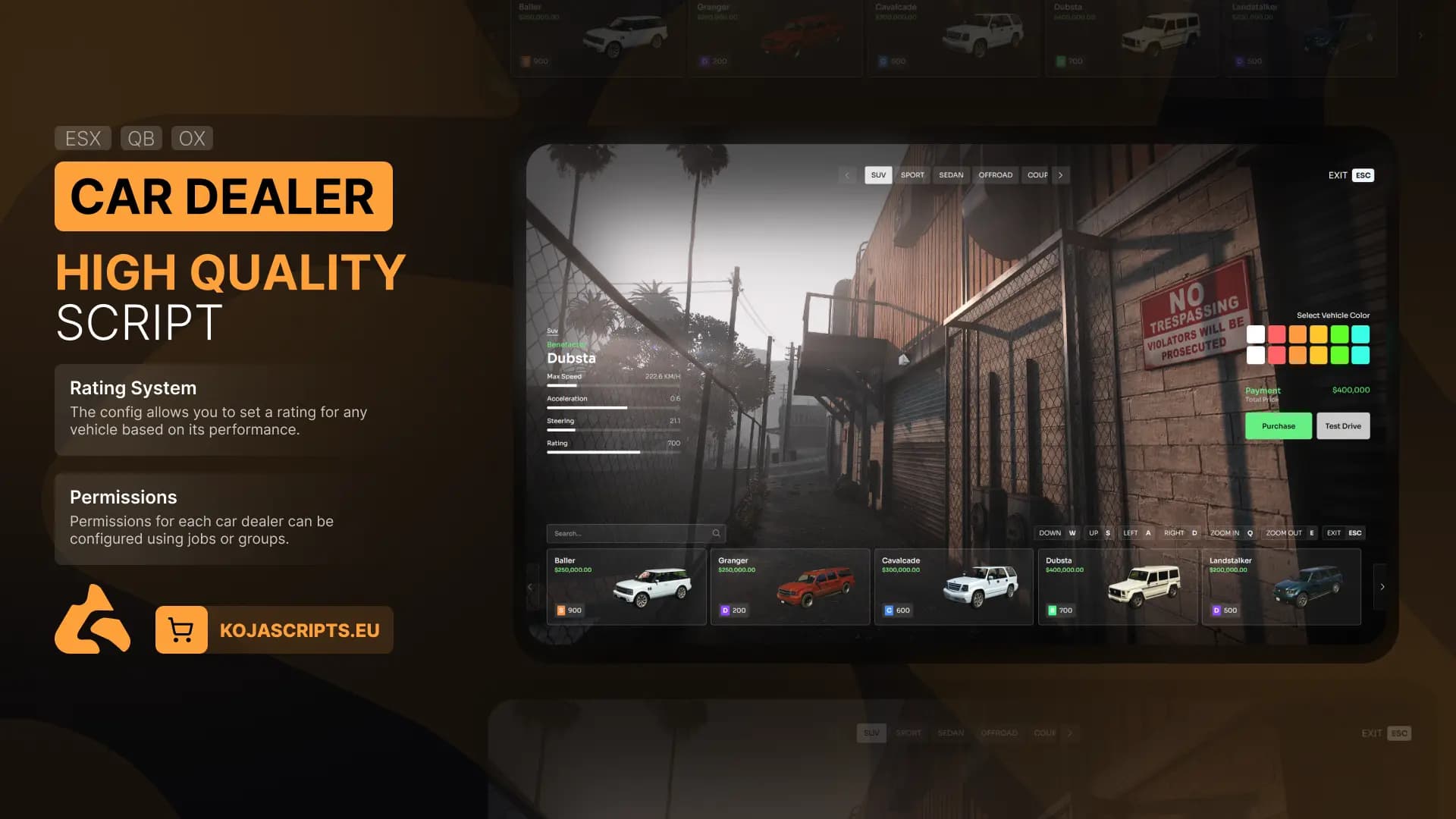
A highly optimized car dealer script featuring a modern and visually stunning UI, a customizable rating system, and seamless integration with nearly every framework.
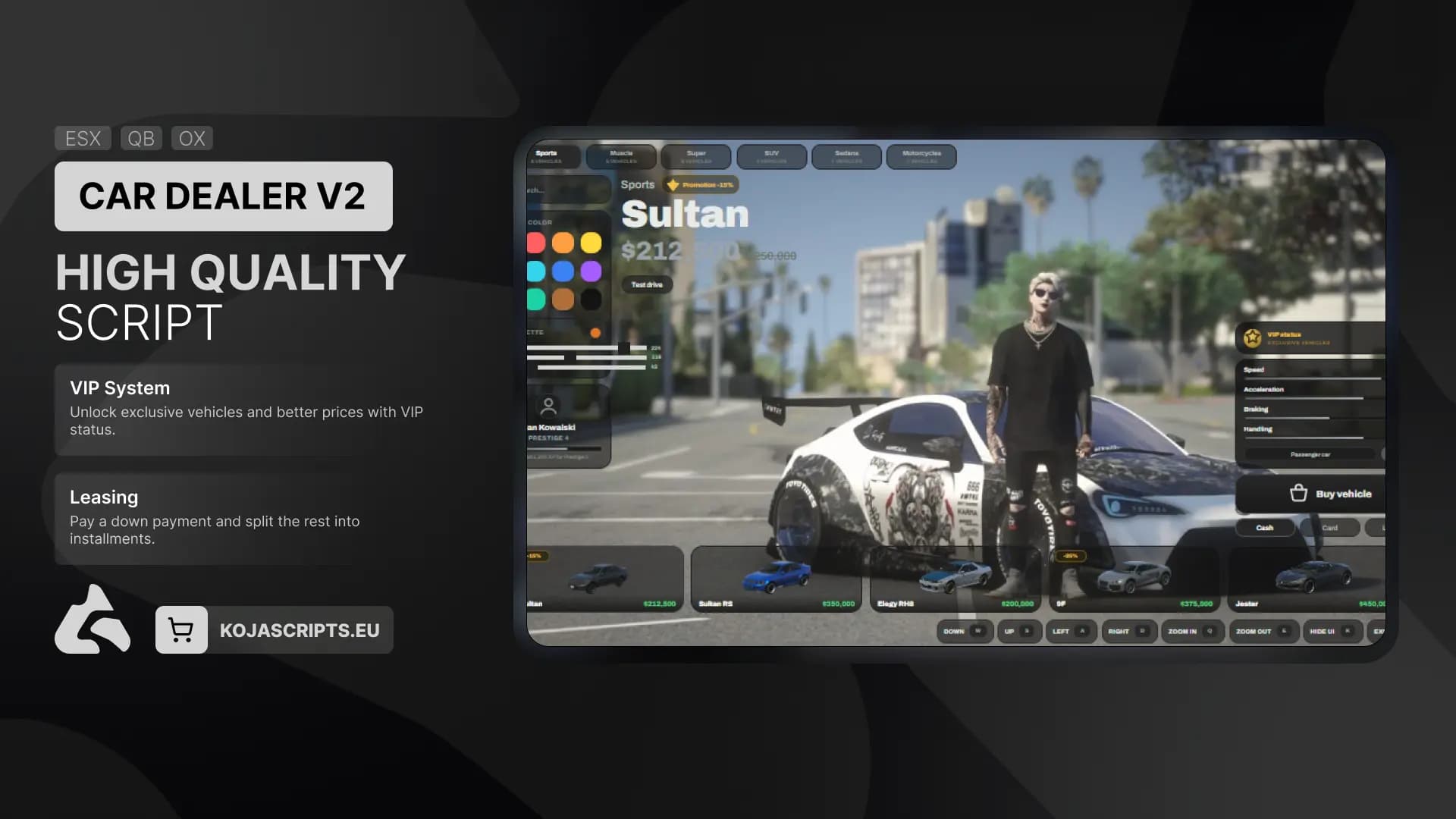
A high quality, all-in-one car dealership script for FiveM.